Pallet labels that scan first time.
SSCC. GS1-128. Per-pallet variants. Designed in-system.
Retailer scanners have no sympathy. If the GS1-128 fails to parse, the SSCC is the wrong format, or the EAN is on the wrong row, the pallet is rejected at the dock and you are on the phone for an hour. Keystone treats pallet labels as a first-class production artefact, designed in-system, scanned in test before printing, and stamped against a real batch and dispatch line.
- SSCC and GS1-128 standards built in
- Per-pallet, per-case and per-line variants, designed in the in-app designer
- Audit trail on every label printed, who, when, against which dispatch
- Retailer templates: Tesco, Lidl, M&S, SuperValu, Centra, SPAR, Musgrave
Real screens, from our Public Sandbox.
Every screenshot below is captured from the Public Sandbox demo tenant with sample Irish dairy data. No mockups, no client data, no NDAs.
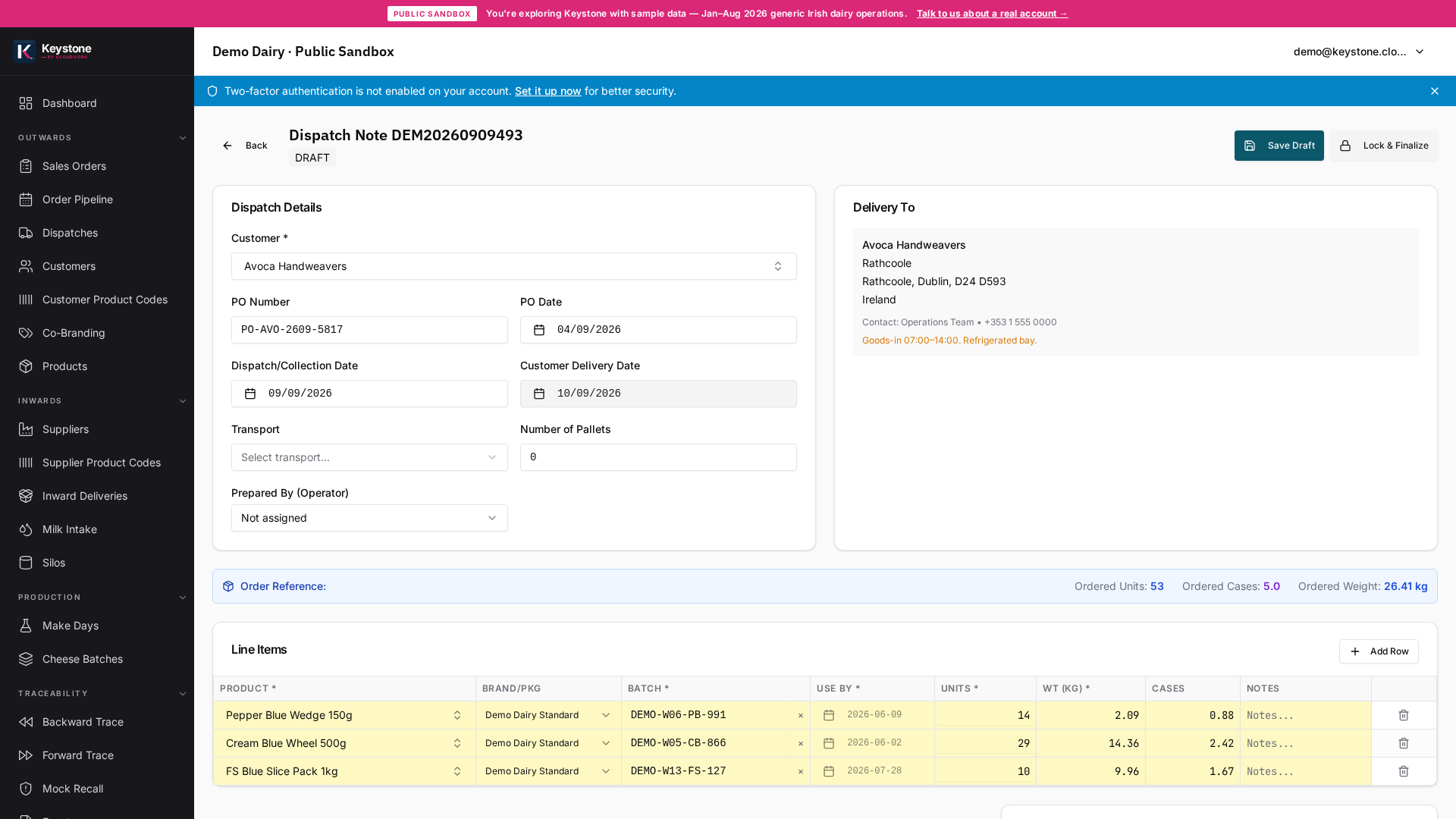
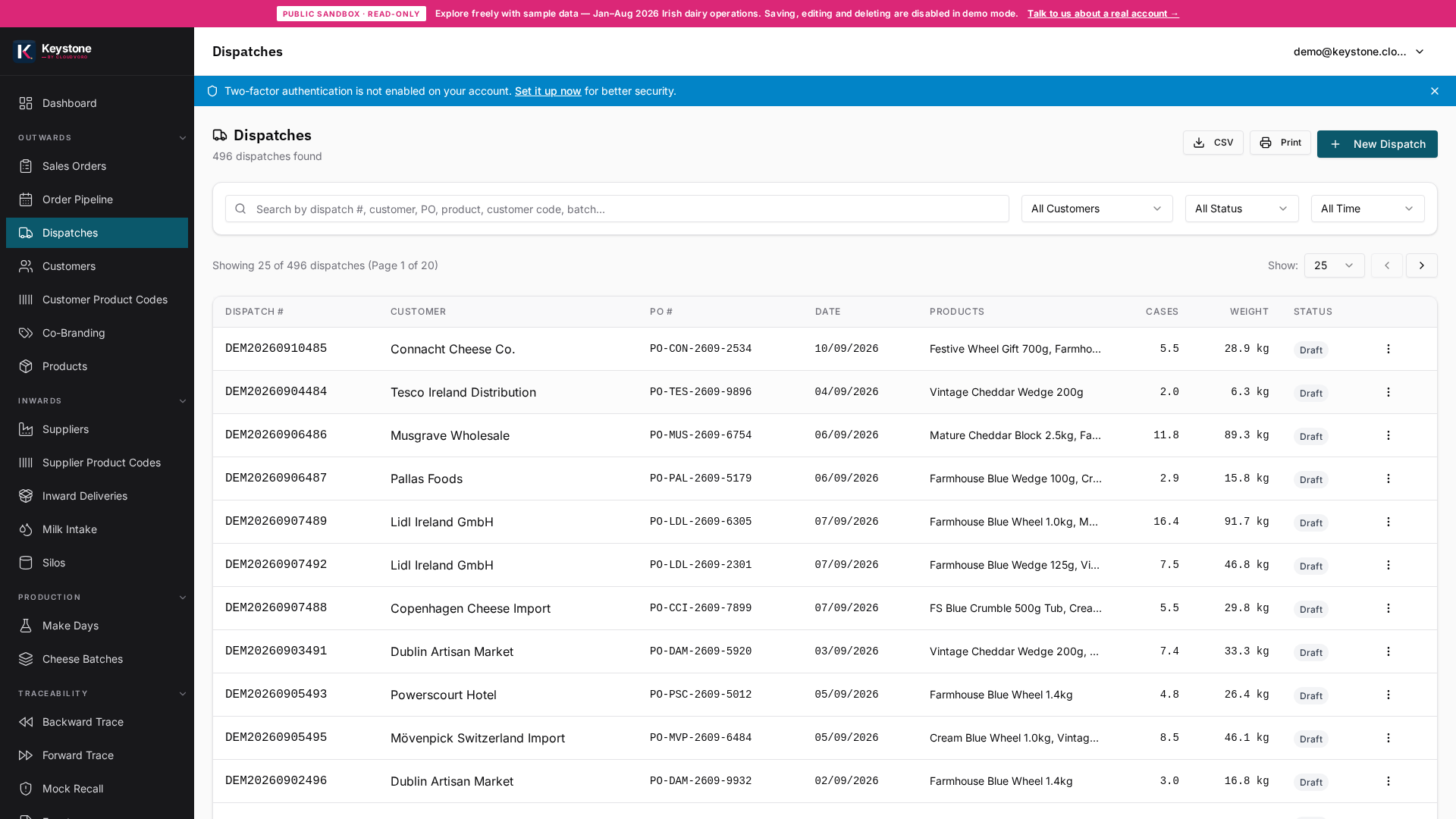
Each retailer treats its labels as gospel.
Tesco expects a different SSCC layout from Lidl. M&S wants the customer SKU larger than your internal code. SuperValu wants the consignment number above the batch line. None of this is in any spec a generic ERP comes with, you discover each rule by getting a pallet rejected. Keystone ships with retailer-specific templates already configured, refined against real production at our founding partner.
A WYSIWYG designer with retailer presets.
Operations layer, finance untouched.
Pallet labels are operational. Keystone owns them, generated from the dispatch, against real batches, printed locally to your label printer. Your accounts package keeps doing accounts. No double-entry, no Excel intermediate step, no manual SSCC counter.
Related pages on this stack.
Questions buyers actually ask.
Do you support Zebra and SATO label printers?
What about an SSCC counter that has to be globally unique?
Can a single dispatch use multiple label templates?
Can dispatch staff design labels themselves?
What happens if a label is misprinted?
Ready to see if Keystone fits your floor?
20-minute discovery call. No sales pitch. Written scope within 48 hours if we fit, referral to someone better if we don't.
Talk to us